How do I set my Tabby Card as the default card in Apple Wallet?
How do I set my Tabby Card as the default card in Apple Wallet?
You can use your Tabby Card anywhere Visa is accepted. To make it your default card in Apple Wallet, follow these steps:
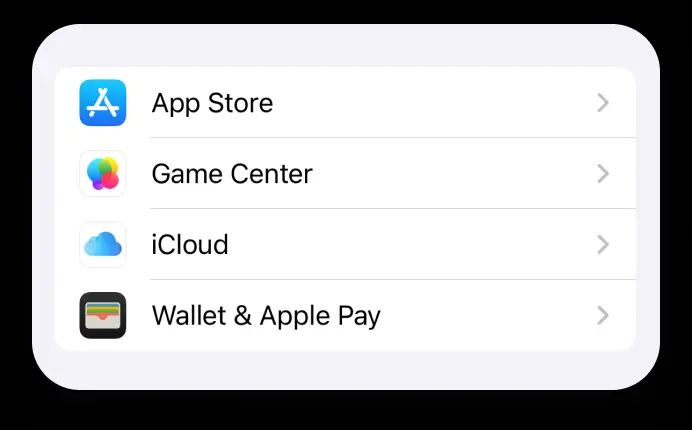
- Open Settings on your device
- Select Wallet & Apple Pay
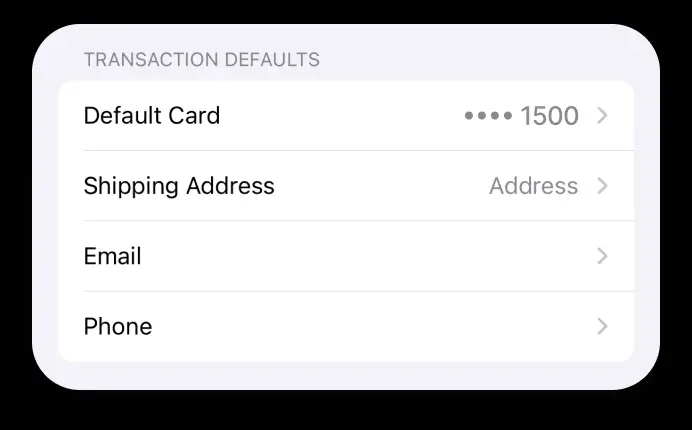
- Go to Transaction defaults and tap Default card
- Select Tabby Card as your primary payment option
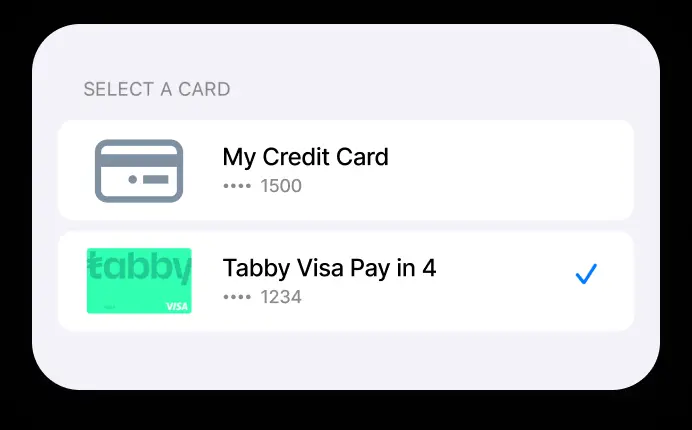
Your Tabby Card is now your default payment method in your Apple Wallet.